Build scope from the first walk-through.
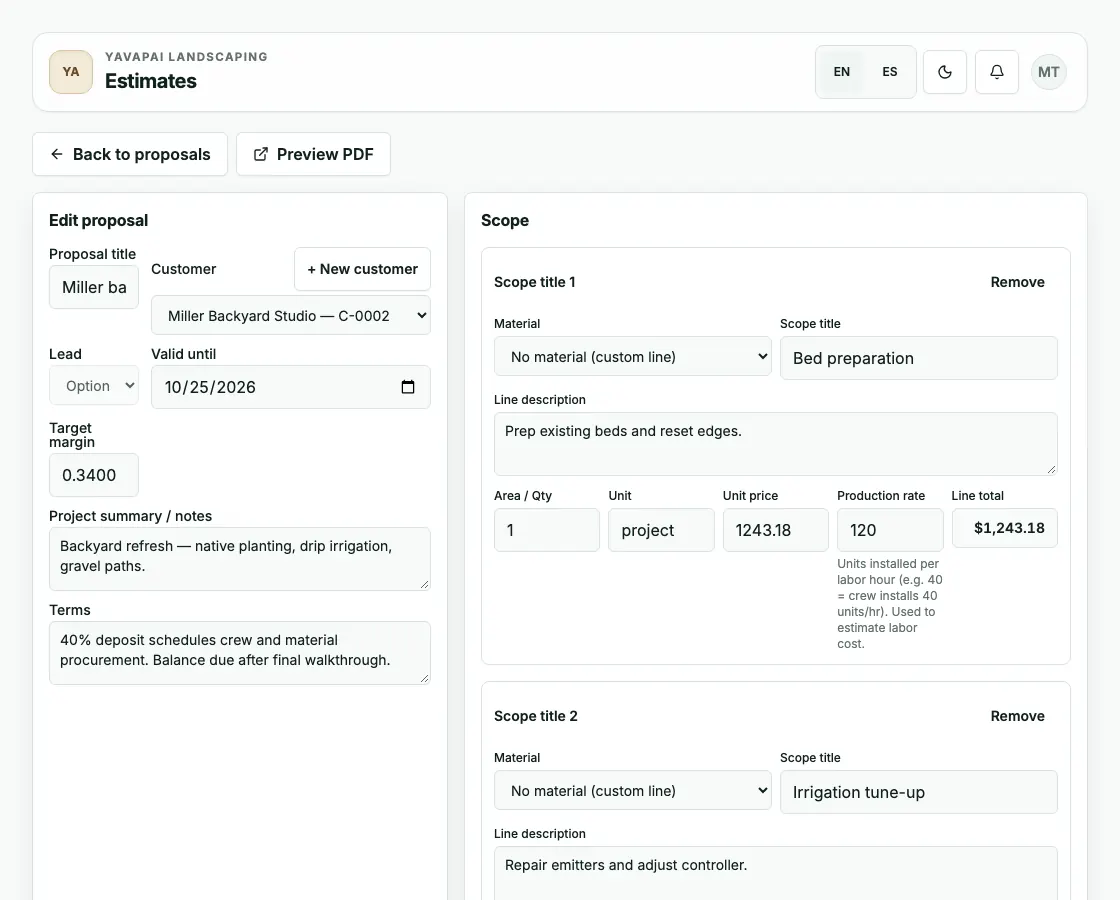
Capture the work as line items with the production-rate context, materials, and crew assumptions the office needs later instead of rebuilding notes in another spreadsheet.
 YavlandExplore Yavland
 YAVLAND / ESTIMATING
Build the estimate, give your customer options, and carry the approved work straight into the job. All the details, already connected.
Real proposal editor
Scope lines, packages, terms, customer context, and the PDF preview sit together in one editor, so the proposal your customer approves is the same record your crew and invoice inherit. Shown with sample project data.
How estimating stays practical
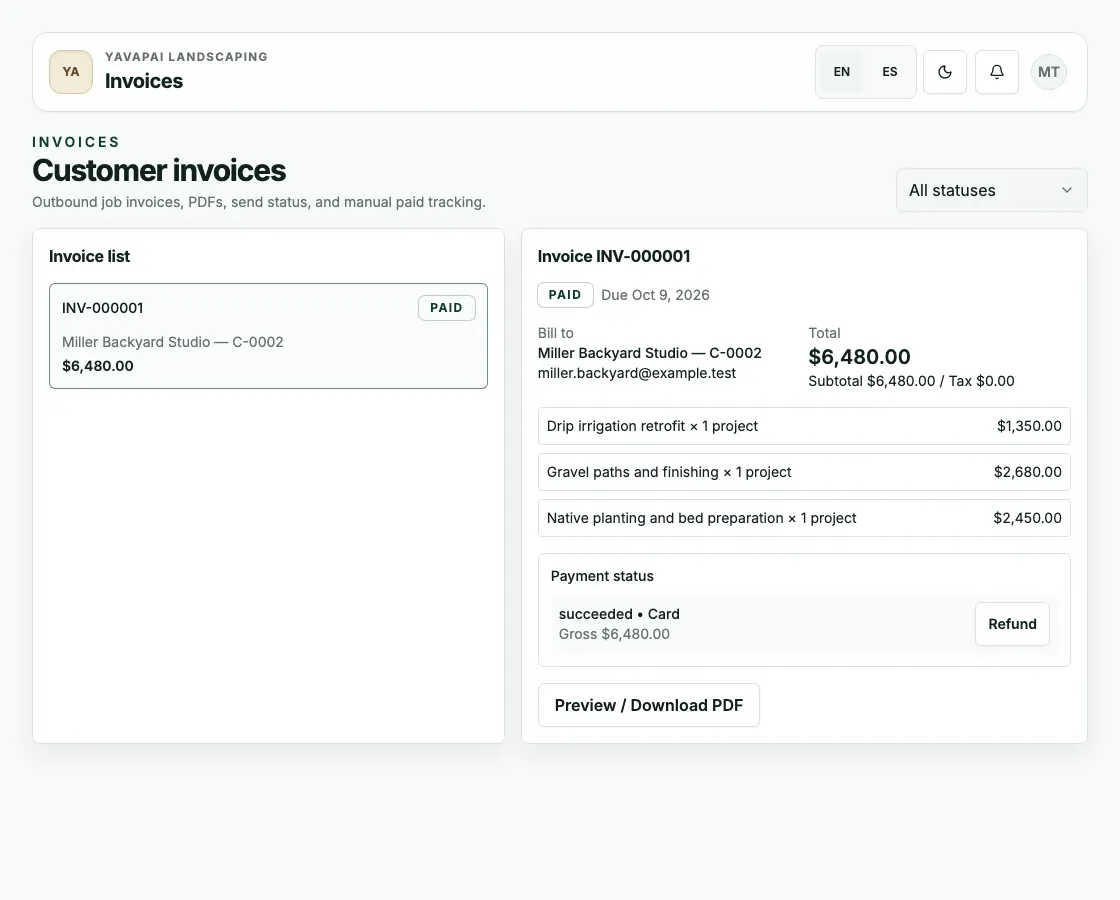
Fictional Miller backyard example: the proposal package selected in the public explorer follows through to the sample invoice amount.
Capture the work as line items with the production-rate context, materials, and crew assumptions the office needs later instead of rebuilding notes in another spreadsheet.
Good, better, and best proposal packages keep the conversation clear while keeping the selected scope tied to the same customer and job record.
Once the work is accepted, the same details can move into crew planning, job costing, invoices, and payment tracking without duplicate entry.
Follow-through
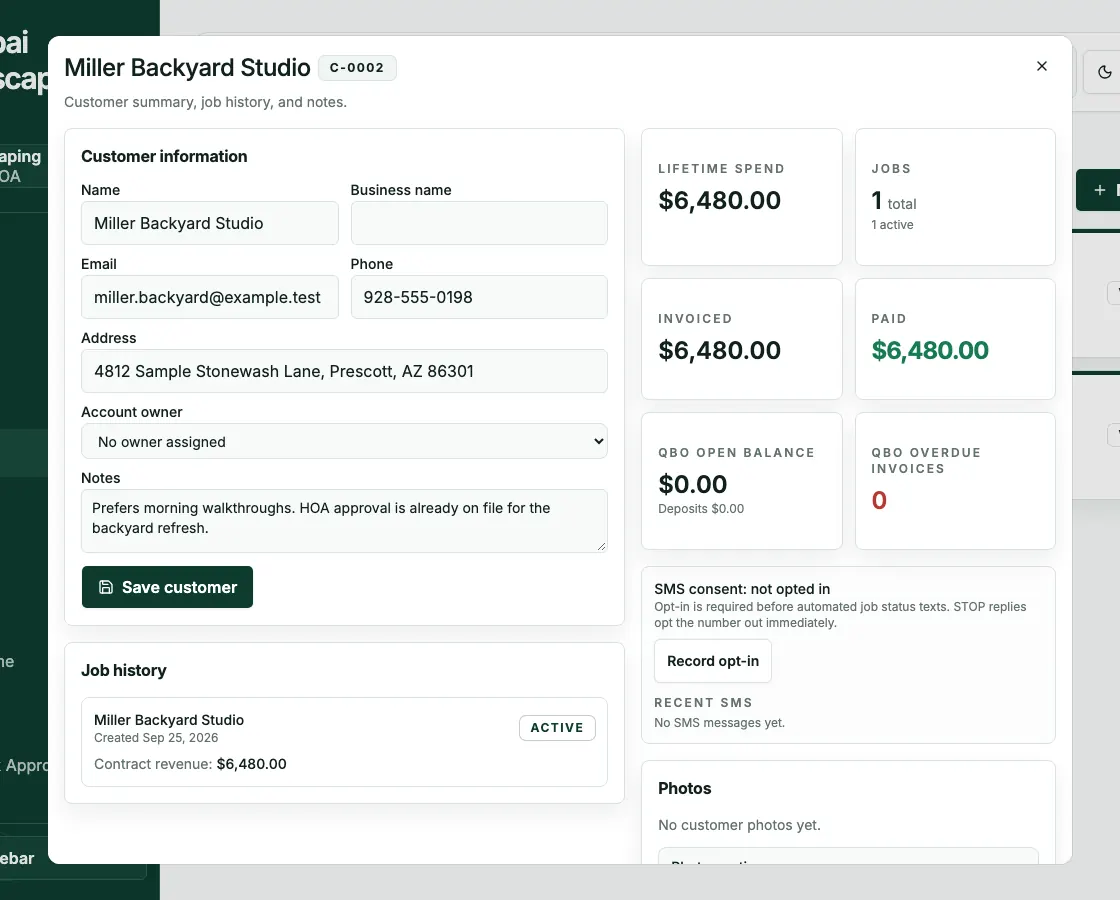
The same sample job carried through: the approved proposal becomes the invoice, and the payment lands on the customer record — no retyping between steps.